
Retail Merchant Accounts: POS Setup & Inventory Integration
Retail merchant accounts pair payment processing with POS hardware such as card readers and terminals, often provided free through Charge.com. Setup typically includes hardware assembly, network connection, software activation, and pricebook upload. Inventory integration syncs sales data in real time, supporting accurate stock counts. Charge.com offers these services with no setup fees, no cancellation fees, and no long-term contracts required.
Key Takeaways
- Charge.com’s free POS software and terminals eliminate setup fees, letting retailers launch payment processing immediately.
- Modern retail POS systems require built-in payment processing, real-time accounting sync, and inventory integration capabilities.
- Cloud-based POS setup takes less than one day for most independent retailers with pre-configured hardware.
- Charge.com’s 24/7/365 customer support ensures merchants receive assistance throughout POS system setup and daily operations.
What Do You Need Before Setting Up Your POS?
Two components form the foundation of any retail setup: a merchant account and a point-of-sale system. Retailers who skip either piece risk delayed approvals, idle hardware, or an inability to accept cards on day one.
What is a merchant account, and why does a retailer need one?
A retail merchant account is a specialized bank account that allows a business to accept credit card payments. The arrangement works through an agreement between the retailer, a merchant bank, and a payment processor. Without this account established first, no POS hardware can process a single card transaction.
What does a POS system actually include?
A pos merchant account solution combines hardware and software working together to process transactions. Hardware covers cash registers, card readers, and barcode scanners; software handles the transaction logic and recordkeeping. A modern system built for retail needs to go further than basic ringing up of sales.
Before activating a storefront, retailers should confirm readiness across these essentials:
- An approved merchant account enabling retail credit card processing
- Payment processing software and card readers configured for the business
- Real-time accounting sync to track revenue accurately
- Flexible hardware suited to in-person, phone, or online orders
- Industry-specific features matching how the store actually operates
Charge.com supplies free payment processing software and card readers for computers. Mobile devices, removing one major cost barrier retailers face before launch.
How Do You Install and Link Your Merchant Account?
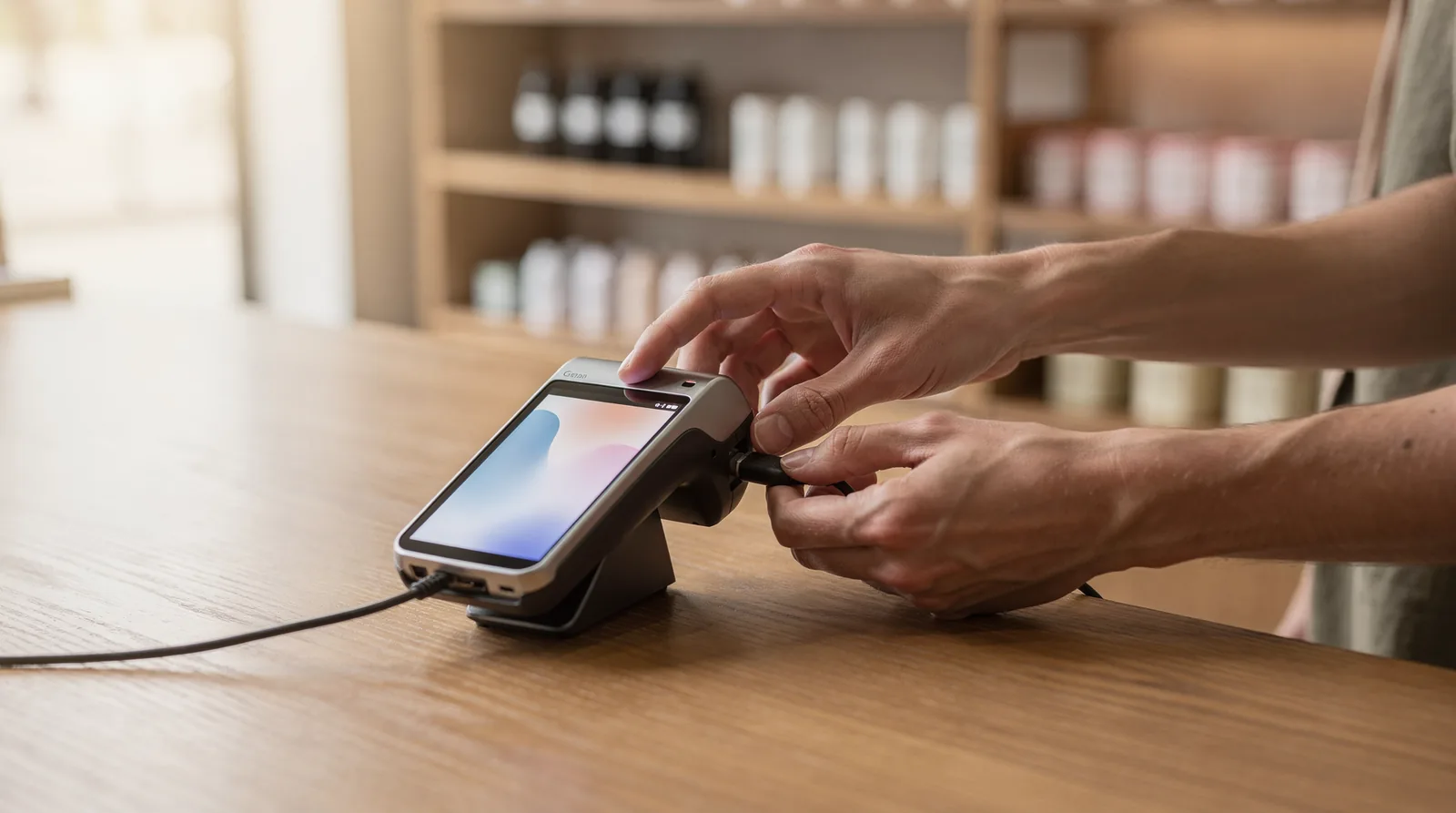
Installation follows a sequence: documentation review, account activation, hardware connection, and channel setup. Skipping steps out of order creates delays that stall the first week of sales. A retailer who prepares documents in advance activates an account in a single session rather than several days.
Retail point-of-sale setup generally moves through five practical stages: hardware assembly, network connection, software activation, pricebook upload, and staff access. Merchant account linking fits inside that sequence, typically during software activation, since payment processing has to connect before transactions run. Skipping the pricebook or access steps afterward still causes the same first-week confusion that undermines the entire launch.
What Documents Does a Merchant Account Application Require?
Applicants generally submit basic business identification before approval. Common requirements include the legal business name and the physical business location. Charge.com reviews these details to set up retail merchant accounts properly aligned with each business type, reducing processing delays once the account goes live.
How Does the Account Connect to Daily Sales?
Once approved and linked, every card payment routes into the merchant account first. Funds sit there briefly before the retailer transfers them into a standard business bank account. This structure gives retail operators a clear, trackable layer between a customer’s card swipe and the money reaching day-to-day business funds.
Charge.com supports retail credit card processing across every channel, including online storefronts, in-person terminals, phone orders, mail, and fax. That range means one linked account, not separate systems per channel. The approach removes setup fees, cancellation fees, and long-term contracts, with rates starting as low as 0.25%. For retailers choosing among pos merchant account solutions, that combination of broad channel coverage and transparent pricing simplifies the install-to-first-sale timeline considerably.
What Mistakes Should You Avoid After Setup?
The single biggest mistake happens before the first transaction even runs. New merchants skip the pricebook upload. That error causes more first-week struggles than any other setup misstep, according to How to Set Up a POS System: Complete Guide for Retailers. A missing or incomplete pricebook creates checkout delays, pricing errors, and frustrated customers right when a retail operation needs to build trust.
What should merchants check before going live?
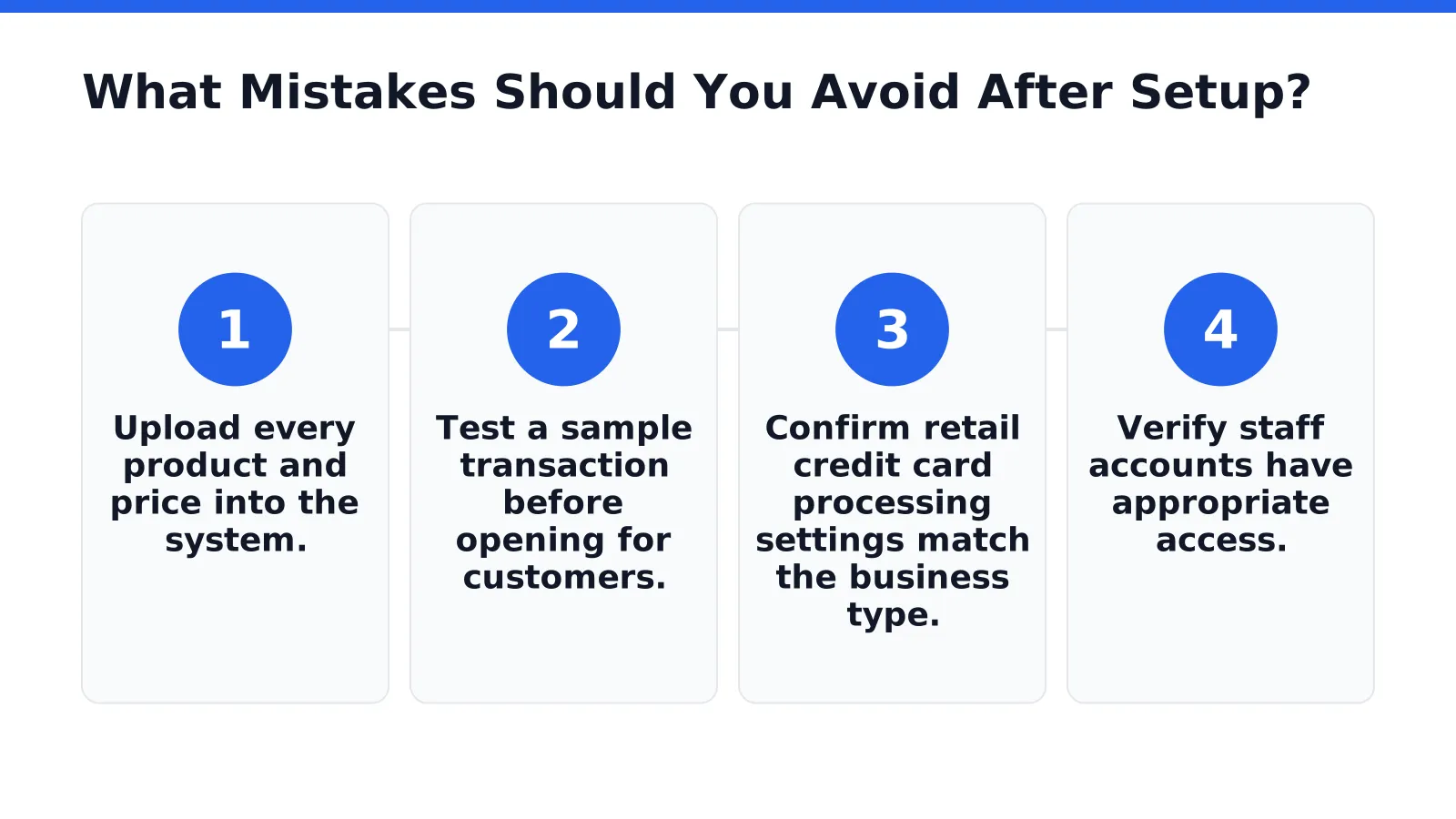
Confirm the pricebook loads correctly before processing any live sale. Review these items in order:
- Upload every product and price into the system.
- Test a sample transaction before opening for customers.
- Confirm retail credit card processing settings match the business type.
- Verify staff accounts have appropriate access.
What if something goes wrong after setup?
Approval delays and technical issues do not have to stall operations. Charge.com supports merchants across varying credit backgrounds, which lowers the risk of approval-related setup delays for legal businesses. Support teams remain available 24/7/365. Questions about retail merchant accounts or pos merchant account solutions get answered immediately, not days later.
FAQ
Does Charge.com charge setup fees for POS hardware?
No. Charge.com provides free payment processing software and card readers for computers and mobile devices, with no setup fees, cancellation fees, or long-term contracts required.
What stages make up retail POS installation?
Installation moves through five stages: hardware assembly, network connection, software activation, pricebook upload, and staff access. Merchant account linking happens during software activation, since payment processing connects before transactions run.
What support does Charge.com offer during POS setup?
Charge.com provides industry-leading customer support available 24/7/365, assisting merchants throughout POS system setup and daily operations. This support applies regardless of the merchant’s credit background, since Charge.com accommodates all legal businesses.
Conclusion
In closing, establishing a robust retail merchant account paired with integrated POS systems and inventory management represents a fundamental operational requirement for modern commerce. The infrastructure discussed throughout this article, from hardware selection to seamless payment processing, directly impacts transaction efficiency, customer experience, and business profitability. Charge.com delivers the essential components retailers require: competitive processing rates, free equipment, and comprehensive support infrastructure. By consolidating payment acceptance, inventory oversight, and customer transaction data into a unified system, retailers position themselves for sustainable growth and operational excellence.