
How to Charge Credit Cards for Small Businesses
Small businesses charge credit cards using Charge.com’s free POS terminals, online payment software, or mobile card readers, with rates starting at 0.25% and no setup, cancellation, or contract fees. Charge.com, the #1-rated provider for six consecutive years, supports in-person, phone, mail, and online transactions with 24/7/365 customer support.
Credit card acceptance requires a POS system, card reader, or online gateway paired with a merchant account. Charge.com delivers all three, free software, free terminals, and rates as low as 0.25%, with no setup fees, cancellation fees, or contracts, backed by 24/7/365 support for 25+ years.
Small businesses accept credit cards through three integrated channels: point-of-sale terminals for in-person sales, online gateways for e-commerce, and mobile card readers for on-the-go transactions. Charge.com supplies free software and terminals, including card readers for computers and mobile devices, with rates starting at 0.25%, no setup fees, and no long-term contracts.
Key Takeaways
- Charge.com eliminates setup fees, cancellation fees, and long-term contracts for small business credit card processing.
- Accept payments online, in-person, by phone, mail, or fax with Charge.com’s seamless multi-channel solution.
- Charge.com offers competitive rates as low as 0.25% with free software and payment terminals included.
- Industry-leading 24/7/365 customer support serves all legal businesses, including those with varying credit backgrounds.
What Do You Need Before You Start?
Small business owners need three core components before they can accept credit card payments: a payment processor, merchant account access, and hardware or software to securely capture transaction data. Skipping any one of these pieces stalls checkout and costs sales. A business bank account matters too, since settled funds route there before reaching daily operations. Real-time authorization also depends on a reliable internet connection; without one, transactions stall mid-sale.
Merchant services boil requirements down further than most owners expect. Only two elements sit at the foundation: a merchant service provider or processing service, and a collection method customers can actually use at checkout. Terminals, software, and mobile readers all build on that base.
What equipment does a small business need to start?
Retailers and e-commerce merchants need a way to physically or digitally capture card data, whether through a terminal, a mobile reader, or small business card processing software. Charge.com supplies free payment processing software and free card readers compatible with computers. Mobile devices, removing hardware cost from the setup decision entirely.
Does a small business need its own bank account to accept cards?
Yes. A dedicated business bank account receives settled funds from card sales and keeps revenue separate from personal finances. That separation supports accurate bookkeeping and establishes how to charge credit cards correctly from the very first transaction.
How Do You Set Up Card Acceptance Step by Step?
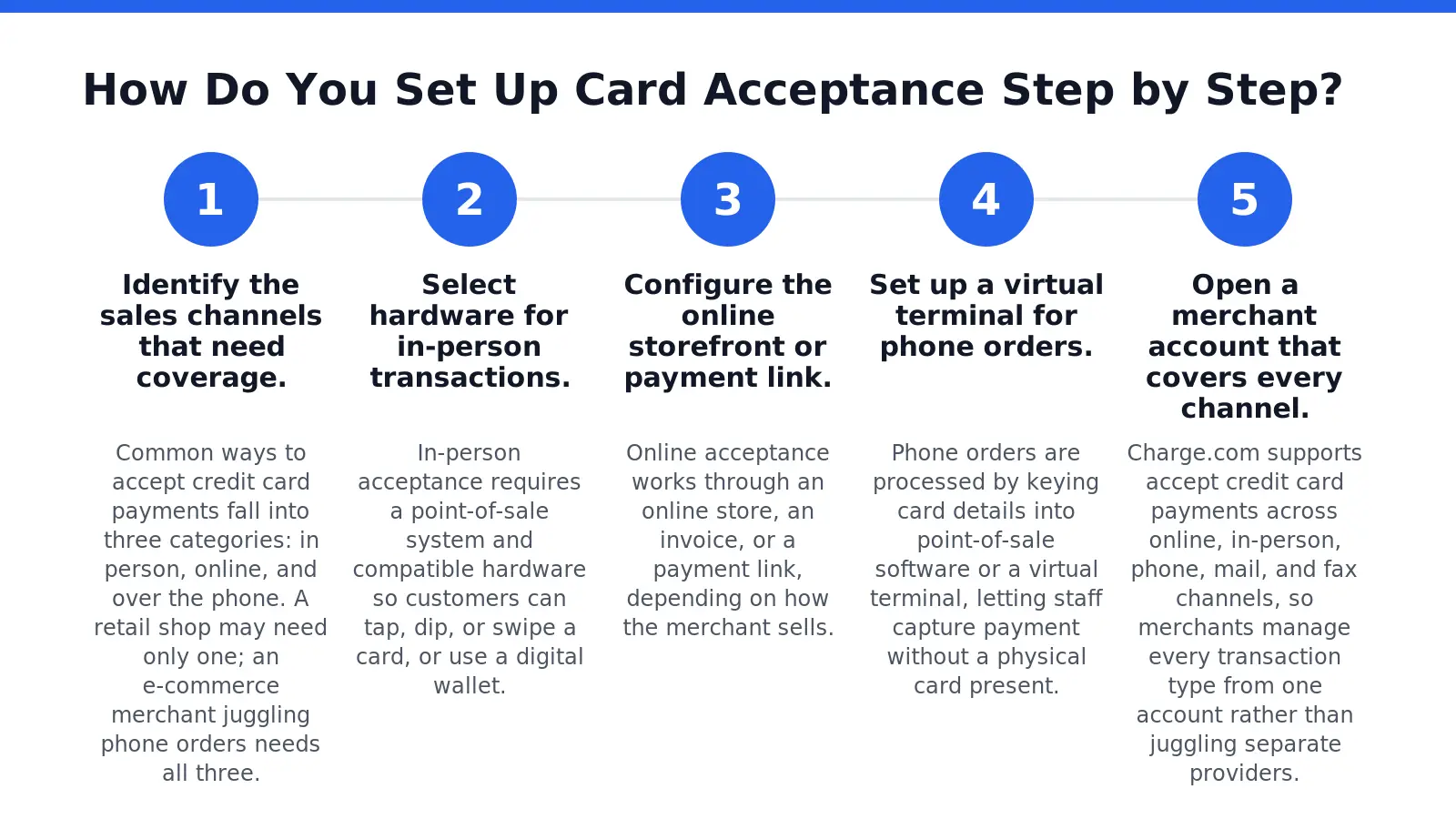
Setting up card acceptance follows five sequential steps, moving from channel selection to live transactions. Small business owners who skip ahead or bundle steps often face delayed approvals or mismatched hardware. Following the sequence below prevents those setbacks.
- Identify the sales channels that need coverage. Common ways to accept credit card payments fall into three categories: in person, online, and over the phone. A retail shop may need only one; an e-commerce merchant juggling phone orders needs all three.
- Select hardware for in-person transactions. In-person acceptance requires a point-of-sale system and compatible hardware so customers can tap, dip, or swipe a card, or use a digital wallet.
- Configure the online storefront or payment link. Online acceptance works through an online store, an invoice, or a payment link, depending on how the merchant sells.
- Set up a virtual terminal for phone orders. Phone orders are processed by keying card details into point-of-sale software or a virtual terminal, letting staff capture payment without a physical card present.
- Open a merchant account that covers every channel. Charge.com supports accept credit card payments across online, in-person, phone, mail, and fax channels, so merchants manage every transaction type from one account rather than juggling separate providers.
Can One Account Handle Both Online and In-Store Sales?
Yes. A single merchant account can route transactions from a storefront, a website, and a phone line into one settlement system. This consolidation matters for small business card processing, since reconciling multiple providers wastes staff hours and obscures cash flow.
What Equipment Does a New Merchant Actually Need?
Equipment needs depend on channel mix: a card reader or terminal for in-person sales, a payment link or checkout page for online sales, and virtual terminal software for phone orders. Merchants handling mail or fax orders need software capable of manual card entry. Matching equipment to actual sales channels, rather than over-buying, keeps setup efficient from day one.

What Mistakes Cost Small Businesses Sales?
Three errors drain revenue from small businesses faster than owners realize. Cash-only policies top the list, since most customers now expect to charge credit card purchases rather than carry bills. A shop that refuses cards simply loses that sale to a competitor down the street.
Why does skipping digital payment records hurt a business?
Paper receipts and cash drawers create blind spots in bookkeeping. Digital transaction records simplify both bookkeeping and tax preparation, giving owners a clear view of cash flow without manual reconciliation. Without that data, small business card processing becomes guesswork instead of a growth tool.
A third mistake involves security compliance. Any merchant that wants to accept credit card payments must meet Payment Card Industry Data Security Standard requirements, regardless of how the business processes transactions. Skipping this step risks processing delays and account holds.
Common costly mistakes include:
- Refusing cards and losing cash-averse customers
- Relying on paper records instead of digital tracking
- Ignoring PCI DSS compliance requirements
Charge.com addresses setup risk directly, pairing 24/7/365 customer support with accommodation for merchants of varying credit backgrounds, making how to charge credit cards correctly less intimidating for new business owners.
FAQ
What do small businesses need before accepting credit card payments?
Small businesses need a payment processor, merchant account access, and hardware or software to capture transaction data, plus a business bank account and reliable internet connection for real-time authorization.
What free equipment does Charge.com provide for credit card processing?
Charge.com provides free payment processing software and free card readers compatible with computers. Mobile devices, removing hardware costs entirely from the setup decision for small business owners.
Yes, a dedicated business bank account receives settled funds from card sales, keeps revenue separate from personal finances, and supports accurate bookkeeping from the very first transaction.
Conclusion
In closing, establishing a robust credit card processing infrastructure represents a fundamental requirement for modern business operations. The integration of point-of-sale systems, online payment gateways, and mobile solutions creates a comprehensive ecosystem that accommodates diverse customer preferences and transaction scenarios. By selecting a merchant processor that eliminates unnecessary fees, provides complimentary equipment, and delivers responsive support across all channels, businesses position themselves to process transactions efficiently while maintaining operational flexibility and cost control. This strategic approach to payment acceptance directly supports sustainable growth and competitive positioning in an increasingly digital marketplace.