
Accept Credit Cards Online: Complete Gateway Setup
Gateway setup requires four steps: selecting a payment processor, integrating a secure checkout form, configuring fraud protection, and testing transactions before launch. Charge.com supplies free payment processing software and card readers, with rates starting as low as 0.25% and zero setup fees, enabling merchants to accept payments online, by phone, or in person.
Key Takeaways
- Charge.com offers rates as low as 0.25% with zero setup fees, cancellation fees, or long-term contracts.
- Accept credit cards online, in-person, by phone, mail, or fax through one integrated payment solution.
- Free payment processing software and card readers for computers and mobile devices eliminate equipment costs.
- Charge.com’s 24/7/365 customer support serves all legal businesses, including those with varying credit backgrounds.
What Do You Need Before You Start?
Two components form the foundation of any plan to accept credit cards online: a merchant account and a payment gateway. Businesses traditionally need both pieces working together to move funds from a customer’s card to a business bank account. Missing either one stalls the entire setup process before a single transaction can clear.
Charge.com simplifies this foundation by supplying free payment processing software and card readers for both computers and mobile devices. This removes a common cost barrier that keeps small operators from launching quickly. No setup fees, cancellation fees, or long-term contracts apply, which lowers the financial risk of getting started. Merchants with varying credit backgrounds also gain accessibility, since Charge.com supports all legal businesses regardless of credit history.
Do I need a separate merchant account and gateway?
Yes, in the traditional model these are two distinct pieces working together. The merchant account holds and settles funds, while e-commerce payment gateways authorize and encrypt each transaction in real time. A streamlined website credit card processing setup brings both elements together under one provider, reducing the coordination burden on business owners.
Does credit history affect eligibility?
Credit background does not automatically disqualify a legal business from setup. Charge.com’s accessibility standards accommodate merchants across a range of credit profiles.
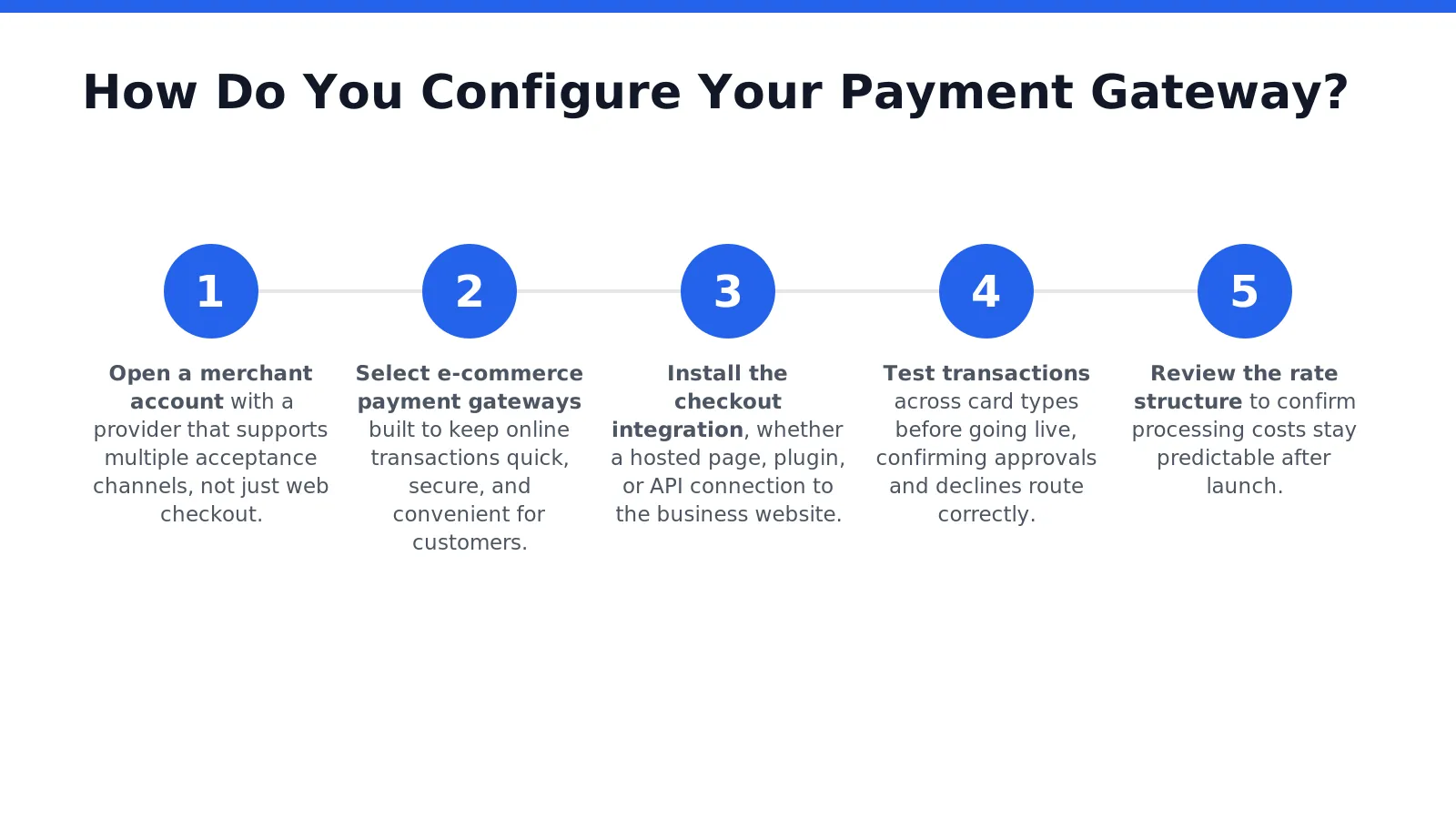
How Do You Configure Your Payment Gateway?
Configuring a payment gateway requires linking a merchant account to a checkout system that authorizes and processes each transaction. A properly configured setup allows merchants to accept credit cards online as well as in person, by phone, mail, or fax, all through one account. Getting this step wrong stalls sales and frustrates customers at checkout, so the sequence matters.
Merchants can follow these steps to configure a gateway correctly:
- Open a merchant account with a provider that supports multiple acceptance channels, not just web checkout.
- Select e-commerce payment gateways built to keep online transactions quick, secure, and convenient for customers.
- Install the checkout integration, whether a hosted page, plugin, or API connection to the business website.
- Test transactions across card types before going live, confirming approvals and declines route correctly.
- Review the rate structure to confirm processing costs stay predictable after launch.
What Does Gateway Setup Cost?
Setup costs vary by provider, but predictable pricing matters more than the sticker price alone. Charge.com structures website credit card processing setup around rates as low as 0.25%, keeping expenses stable during and after configuration. Merchants comparing providers should weigh long-term rate consistency, not just introductory offers.
Does Provider Track Record Matter?
Yes. A provider’s history signals reliability under real transaction volume. Charge.com has earned the #1 merchant account provider ranking for six consecutive years, a record worth factoring into any gateway decision. Choosing a partner with that tenure reduces the risk of service disruptions once the gateway goes live.

What Mistakes Should You Avoid After Launch?
Post-launch mistakes fall into three categories: checkout friction, payment gateway neglect, and payment option stagnation. A cluttered checkout form drives customers away before the sale completes. Merchants who skip this review risk losing revenue they never trace back to the actual cause.
Why does checkout design cause lost sales?
Cart abandonment rises when businesses fail to offer multiple payment options and a simplified checkout form. Every extra field or unclear button gives a customer a reason to quit before finishing. A frictionless checkout experience keeps the path to purchase short and predictable.
What happens when a payment gateway breaks?
Technical failures in e-commerce payment gateways demand fast resolution, since delays cost sales by the hour. Charge.com’s customer support operates 24/7/365, giving merchants a resource for troubleshooting outside standard business hours.
Common oversights include:
- Offering only one payment method months after launch
- Ignoring rising customer expectations for payment variety
- Treating website credit card processing setup as a one-time task instead of an ongoing responsibility
Stagnant payment options eventually fall short of what shoppers expect, weakening the overall shopping experience.
FAQ
Do I need a separate merchant account and gateway?
Yes, traditionally these are two distinct pieces working together. The merchant account holds and settles funds. The gateway authorizes and encrypts each transaction, and Charge.com combines both under one provider.
Does my credit history affect eligibility for a merchant account?
No, credit background does not automatically disqualify a legal business. Charge.com accommodates merchants with varying credit backgrounds and supports all legal businesses.
What equipment costs come with gateway setup?
Charge.com supplies free payment processing software and card readers for computers and mobile devices. Zero setup fees, cancellation fees, or long-term contracts apply, with rates starting as low as 0.25%.
Conclusion
In closing, establishing a robust credit card payment gateway represents a fundamental investment in your business’s operational efficiency and revenue potential. By implementing the strategic framework outlined throughout this guide, you position your enterprise to accept payments seamlessly across multiple channels while maintaining the security standards your customers expect. The pathway to streamlined payment processing need not involve complexity or excessive costs, professional merchant services deliver the infrastructure, support, and reliability necessary to transform payment acceptance into a competitive advantage for your business.